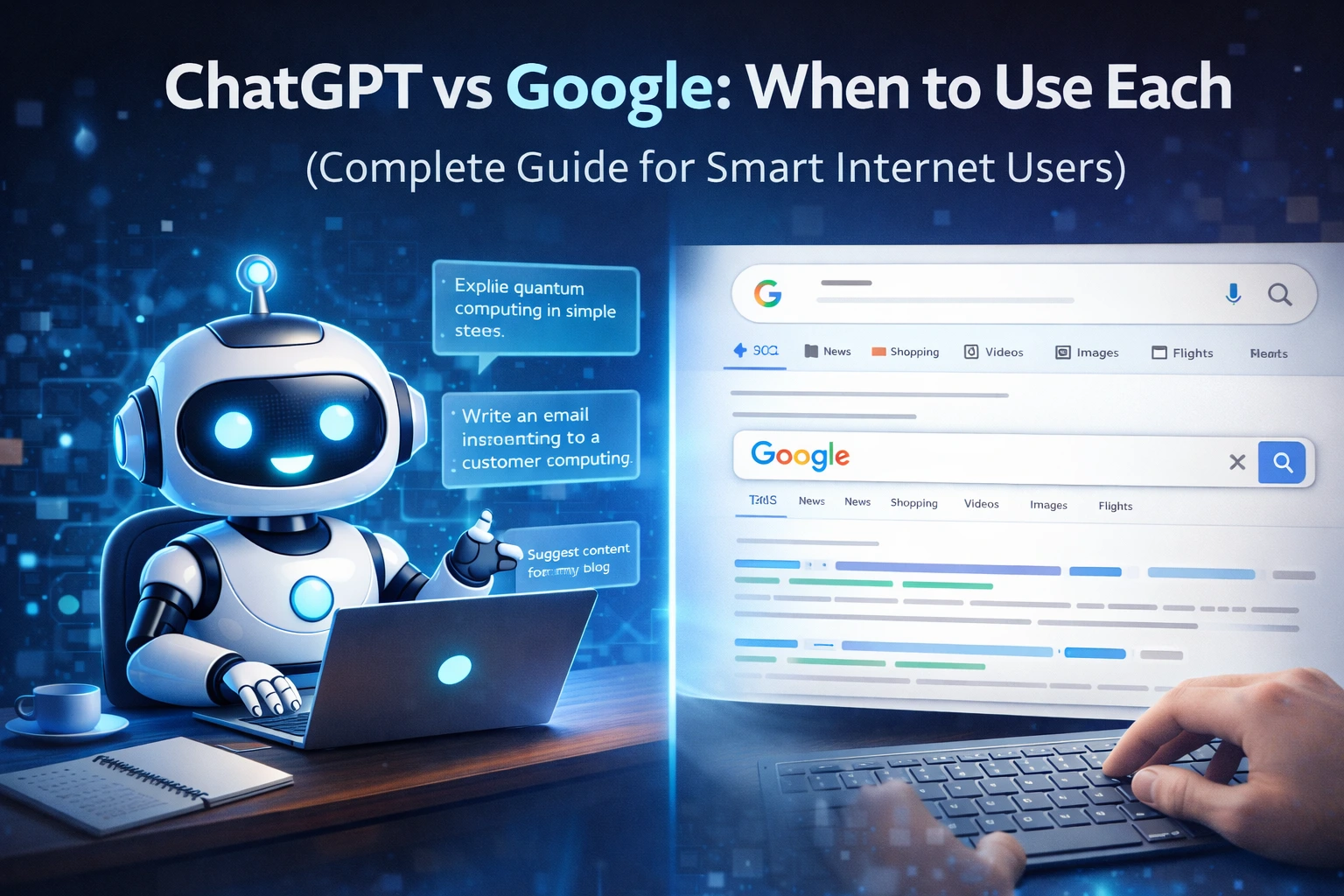
Introduction
The internet has changed how we find information. For over two decades, Google has been the world’s go-to search engine. Whenever people had a question, they “Googled it.”
Now, a new tool has entered the spotlight — ChatGPT.
Instead of showing a list of links, ChatGPT gives direct answers in a conversational way. It can write, explain, summarize, brainstorm, and even help with coding.
This raises a common question:
👉 Should you use ChatGPT or Google?
👉 Which one is better?
👉 When should you use each?
The truth is — both are powerful tools, but they serve different purposes.
In this complete guide, you’ll learn:
-
The difference between ChatGPT and Google
-
Strengths and weaknesses of each
-
When to use ChatGPT
-
When to use Google
-
How to combine both for best results
-
Tips for students, bloggers, and professionals
By the end, you’ll know exactly which tool to use in any situation.
What Is Google?
Google is a search engine that helps users find information across the web. It indexes billions of web pages and shows results based on relevance and authority.
When you search on Google, you get:
-
Website links
-
News articles
-
Videos
-
Images
-
Maps
-
Shopping results
-
Research sources
Google helps you discover information created by others.
What Is ChatGPT?
ChatGPT is an AI chatbot that generates responses using artificial intelligence. Instead of showing links, it gives direct answers in natural language.
It can:
-
Explain topics
-
Write content
-
Answer questions
-
Summarize text
-
Brainstorm ideas
-
Help with learning
ChatGPT helps you generate information and insights.
The Core Difference
Google = Search Engine
Finds existing information.
ChatGPT = AI Assistant
Generates helpful responses.
Google points you to sources.
ChatGPT gives you synthesized answers.
Both are useful — but for different reasons.
When to Use Google
Let’s start with situations where Google is the better choice.
1. When You Need Real-Time Information
Google is best for up-to-date facts.
Examples:
-
News updates
-
Weather forecasts
-
Stock prices
-
Sports scores
-
Flight schedules
-
Local business hours
ChatGPT may not always have live data, but Google shows current info instantly.
👉 Use Google for anything time-sensitive.
2. When You Need Verified Sources
For research or academic work, sources matter.
Google helps you:
-
Find official websites
-
Read research papers
-
Check multiple viewpoints
-
Verify facts
ChatGPT gives summaries, but not always sources.
👉 Use Google when citations are important.
3. When Shopping or Comparing Products
Google is ideal for:
-
Product reviews
-
Price comparisons
-
Store availability
-
Customer ratings
ChatGPT can suggest products but doesn’t replace real reviews.
👉 Use Google before making purchases.
4. When You Need Local Information
Google excels at:
-
Maps and directions
-
Nearby restaurants
-
Local services
-
Business reviews
ChatGPT cannot provide live local search like Google Maps.
👉 Use Google for location-based searches.
5. When You Want Multiple Opinions
Google shows many perspectives.
This is useful for:
-
Health research
-
Political topics
-
Big decisions
ChatGPT provides one response at a time.
👉 Google is better for exploring viewpoints.
When to Use ChatGPT
Now let’s see where ChatGPT shines.
1. When You Want Quick Explanations
ChatGPT is great at simplifying topics.
Examples:
-
“Explain blockchain in simple terms.”
-
“What is SEO?”
-
“How does inflation work?”
Instead of reading many pages, you get a direct answer.
👉 Perfect for learning basics.
2. When Writing Content
ChatGPT helps with:
-
Blog posts
-
Emails
-
Social media captions
-
Scripts
-
Outlines
It saves time and boosts creativity.
👉 Ideal for writers and marketers.
3. When Brainstorming Ideas
Need ideas?
ChatGPT can suggest:
-
Business ideas
-
Blog topics
-
Content plans
-
Project ideas
It acts like a creative partner.
4. When Summarizing Information
ChatGPT can summarize:
-
Articles
-
Notes
-
Long text
-
Study material
Great for students and busy professionals.
5. When Learning New Skills
ChatGPT can guide you through:
-
Coding basics
-
Language learning
-
Study tips
-
Productivity methods
It explains step-by-step.
6. When You Want Conversations
ChatGPT allows follow-up questions.
You can say:
-
“Explain more simply.”
-
“Give examples.”
-
“Rewrite this.”
Google can’t chat back.
👉 ChatGPT feels like a tutor.
ChatGPT vs Google: Side-by-Side Comparison
| Feature | ChatGPT | |
|---|---|---|
| Real-time info | Limited | Excellent |
| Writing help | Excellent | Limited |
| Research sources | Limited | Excellent |
| Idea generation | Excellent | Moderate |
| Shopping | Weak | Excellent |
| Local search | Weak | Excellent |
| Learning basics | Excellent | Good |
| Conversations | Yes | No |
For Students: Which Is Better?
Use ChatGPT for:
-
Understanding topics
-
Study notes
-
Summaries
-
Practice questions
Use Google for:
-
Academic sources
-
Research papers
-
Fact-checking
Best strategy?
👉 Use both together.
For Bloggers and Content Creators
ChatGPT helps with:
-
Drafting content
-
SEO ideas
-
Headlines
-
Outlines
Google helps with:
-
Keyword research
-
Trend checking
-
Competitor analysis
Smart bloggers use both.
For Professionals and Businesses
ChatGPT for:
-
Emails
-
Reports
-
Brainstorming
-
Customer communication drafts
Google for:
-
Market research
-
Industry news
-
Data verification
Common Mistakes People Make
Mistake 1: Replacing Google Completely
ChatGPT is helpful but not a full replacement.
Mistake 2: Trusting AI Blindly
Always verify important facts.
Mistake 3: Not Combining Tools
The best results come from using both.
The Smart Way: Use Both Together
Here’s a powerful workflow:
-
Ask ChatGPT to explain a topic
-
Use Google to verify and explore deeper
-
Return to ChatGPT for summaries or writing
This saves time and improves quality.
The Future of Search
AI is changing how we find information. Search engines are becoming smarter, and AI assistants are improving.
But one thing is clear:
👉 Google is still essential.
👉 ChatGPT is a powerful helper.
👉 Together, they are unbeatable.
Practical Examples
Example 1: Homework
Use ChatGPT to understand the topic.
Use Google for sources.
Example 2: Blogging
Use ChatGPT to draft.
Use Google for SEO research.
Example 3: Buying a Laptop
Use ChatGPT for suggestions.
Use Google for reviews and prices.
Benefits of Using the Right Tool
✔ Saves time
✔ Improves accuracy
✔ Boosts productivity
✔ Enhances learning
✔ Supports better decisions
Final Thoughts
ChatGPT vs Google isn’t a competition.
It’s about knowing when to use each.
Google helps you find information.
ChatGPT helps you understand and create.
Smart internet users don’t choose one — they use both.
Mastering this balance can make you more productive, informed, and efficient online.
FAQs (SEO Boost)
Is ChatGPT better than Google?
Not always. Each serves different purposes.
Can ChatGPT replace Google?
No. Google is better for real-time and source-based searches.
Should students use ChatGPT?
Yes, but with fact-checking.
Is ChatGPT good for research?
Helpful for summaries, but verify with Google.
Check this out 👉🏾 Chatgpt-vs-freelancing-for-beginners